Recover All Your Deleted Files in Minutes
Restore deleted documents, photos, videos, emails, archives, and more from HDDs, SSDs, USB drives, SD cards, and other storage devices in just a few clicks.
- check_circle Recover deleted, lost, and formatted files
- check_circle Recover data from lost or deleted partitions
- check_circle Preview recoverable files before recovery
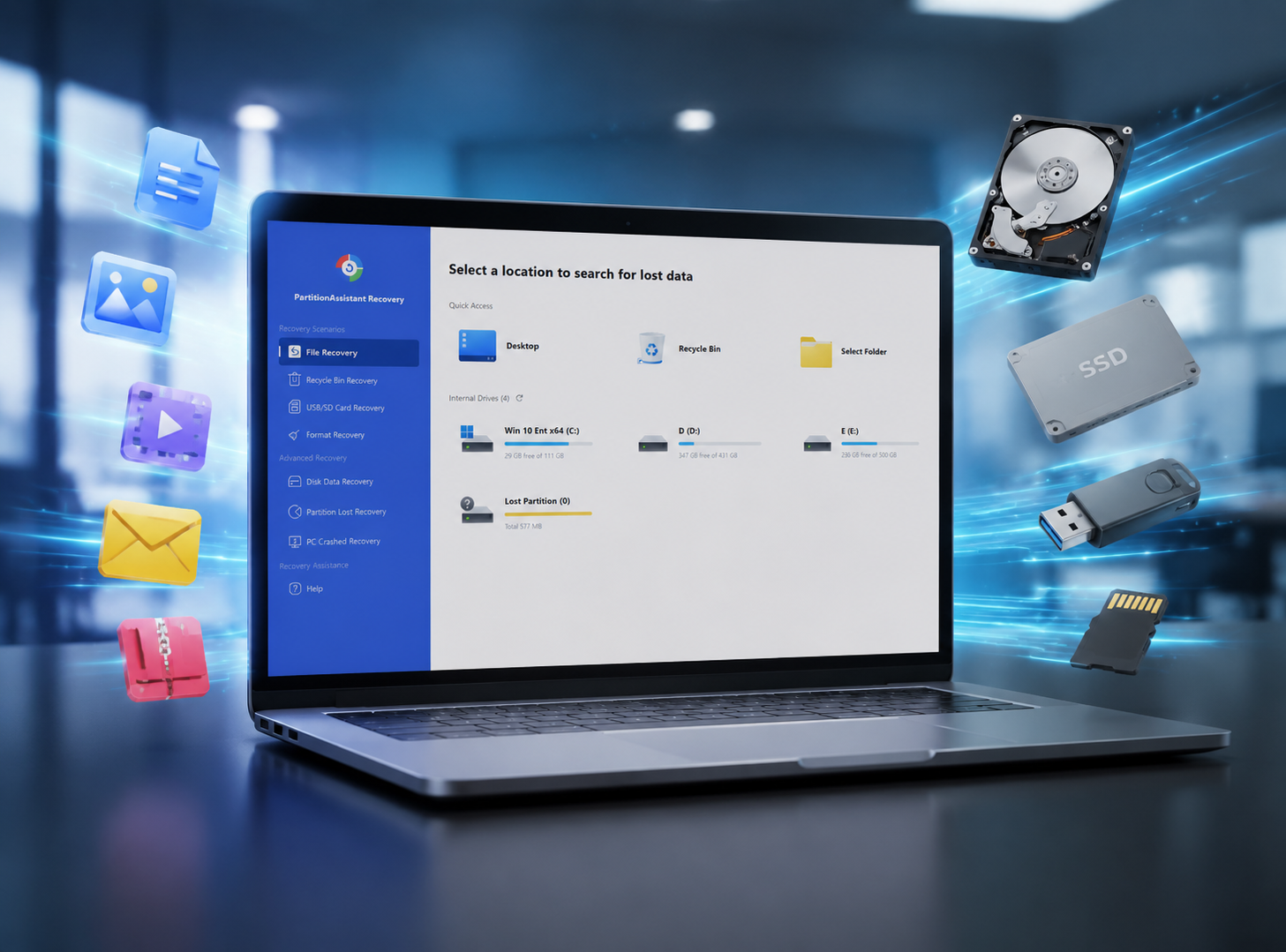
Recover Deleted Files from Any Data Loss Situation
No matter how your data was lost, PartitionAssistant Recovery provides professional solutions to bring it back safely.
Accidentally Deleted Files
Quickly recover files deleted by mistake or through accidental keyboard shortcuts.
Emptied Recycle Bin
Easily retrieve data even after the Windows Recycle Bin has been permanently emptied.
Shift + Delete Recovery
Recover files bypassed from the Recycle Bin through Shift + Delete command.
Formatted Partition Recovery
Restore entire file systems from accidentally formatted hard drive partitions.
Deleted Partition Recovery
Rescue data from partitions that were deleted during disk management operations.
Lost Partition Recovery
Advanced algorithms to find and recover data from partitions that have simply disappeared.
System Crash Recovery
Recover your vital files after a Blue Screen of Death or unexpected OS failure.
Virus Attack Recovery
Retrieve data hidden or deleted by malware, ransomware, or other malicious software.
External Device Recovery
Supports all external storage including USB sticks, SD cards, and external SSDs.
Recover from 1000+ File Types and Formats
Recover from Various Storage Devices and Partitions
Why Choose PartitionAssistant Recovery?
Simple and Fast Recovery
Retrieve lost data in just 3 simple steps. Optimized algorithms ensure the fastest scanning process on the market.
Optimized for Real-World
Built on decades of data engineering experience to handle complex corruption and logical disk failures.
Safe Recovery
100% secure process that never overwrites your original data. Your privacy and data integrity are our priority.
How to Recover Deleted Files on Windows
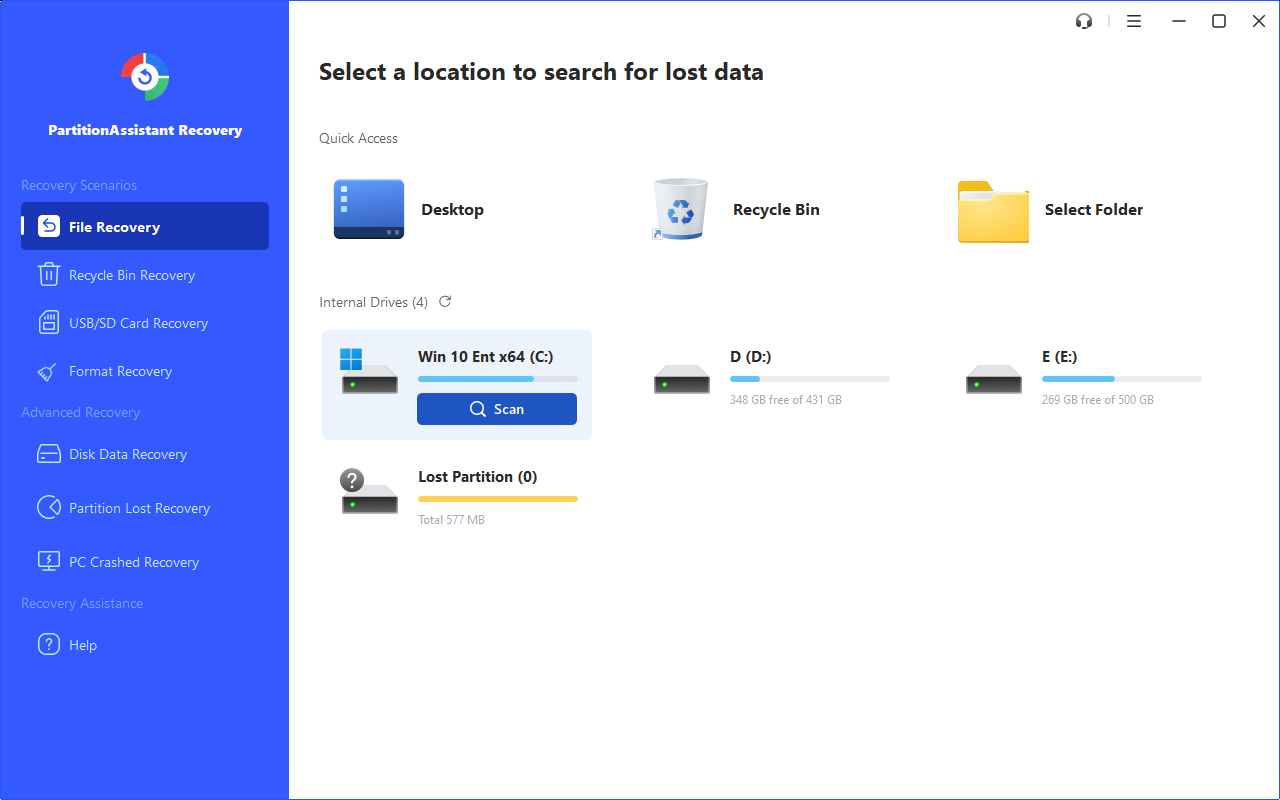
Quick Scan
Launch the software and select the drive or partition where your files were lost. Click 'Scan' to start the automatic search process. Our deep scan engine will exhaustively search every sector for trace data.
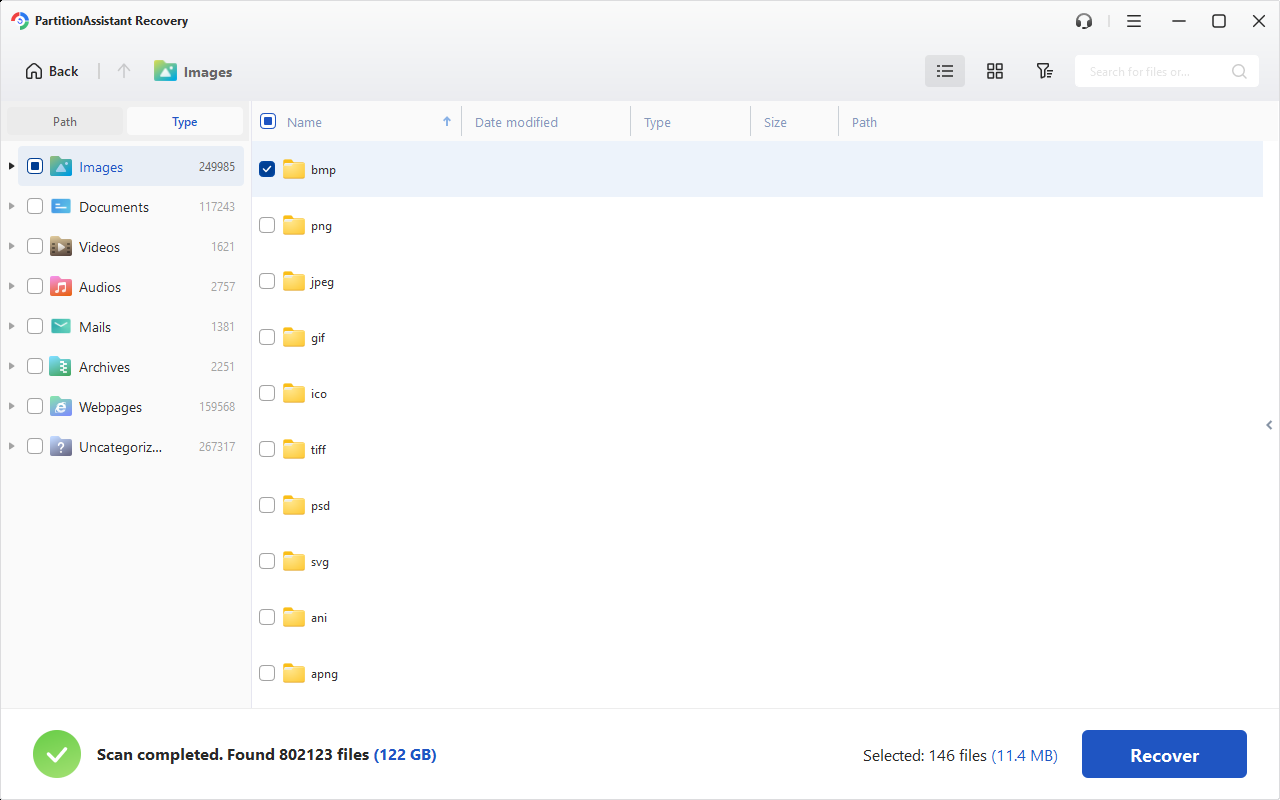
Recover Deleted Files
Preview found files to ensure they are the correct ones. Select the items you need and click 'Recover' to save them to a different, safe location on your computer or an external drive.
Delete Important Files or Partitions?
Don't panic. PartitionAssistant Recovery is your safety net. Get started now and recover your data in minutes.